AI Is Rewriting UX — Here's How to Make Sure It Doesn't Replace You
AI can draw the boxes in seconds, but it can't navigate compliance, business logic, or trust. Here's what still makes a UX designer indispensable.
Originally posted on Medium.com on April 14, 2025.
So, AI is flipping UX on its head. Or sideways. Or whichever direction gets clicks this week.
Yes, AI can wireframe a flow in seconds. Yes, Figma is becoming infrastructure, not innovation. And yes, a lot of what we used to call UX is now just speed-optimized by machines.
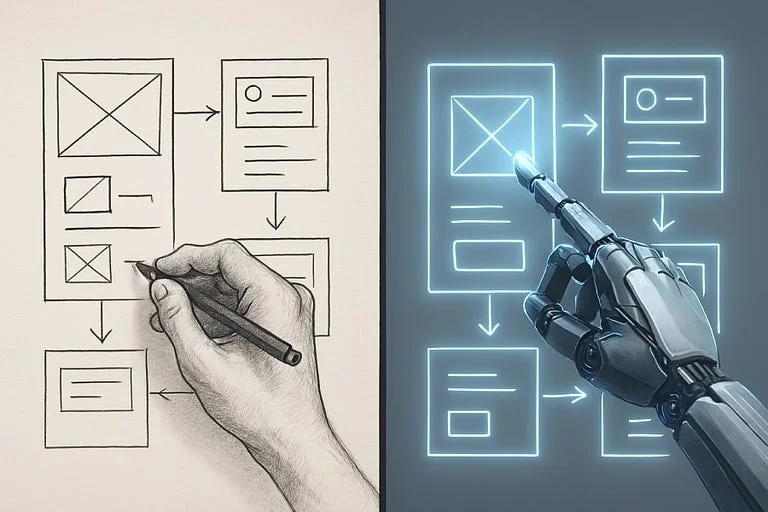
But if you’re in the trenches this isn’t an extinction event. It’s a reorg. And the designers who get strategic, systems-minded, and business-fluent? They’re not going anywhere.
Here’s what I’ve learned and what I’m actually doing about it.
AI Can Draw Boxes. It Can’t Navigate Compliance.
AI can mock up flows. But it doesn’t understand our individual business logic behind asking questions before show in details.
This is where real UX still wins.
Not in drawing screens — in designing decisions.
If you know how to align user needs with underwriting logic, legal compliance, and stakeholder expectations?
You’re not replaceable. You’re indispensable.
Systems > Screens
In UX, we’re not designing one product. We’re designing ecosystems — embedded journeys, white-label portals, internal tools, and everything in between.
So if you’re still polishing buttons in isolation, you’re behind.
Start thinking in systems, not screens:
- Build consistent patterns that scale across use cases.
- Obsess over accessibility (WCAG 2.2+).
- Make your Figma files a decision record, not just a sandbox.
Good UX probably doesn’t look “clean.” It looks consistent, trustworthy, and legally sound.
AI Is Fast. You Still Need to Be Right.
I use AI every day. It’s great for generating alt copy, reorganizing IA, or simulating a flow for a new persona.
But the critical thinking? That’s still on me.
AI might shorten a form to two fields — but we know too little friction can oftentimes reduce trust, lead to bad submissions, or violate compliance rules. It’s not about simplicity. It’s about context.
Use AI to go faster. But always ask:
Is it right for this audience, this use case, this regulation?
The UX Role Is Changing — Good.
Truth? This is the reset we needed.
Too much of the field was focused on micro-interactions and MVP fluff. Now, UX is about integrating business strategy, regulatory nuance, and user psychology.
And AI can’t do that… Yet…
What I’m Doing to Stay Ahead
- Owning the “why.” Not just what the flow looks like — but why it exists, how it works, and what it’s solving for.
- Documenting decisions. In Figma, Notion, strategy decks — wherever they’ll be found later.
- Bridging the gaps. Between product, legal, dev, and stakeholders. Because great UX doesn’t live in silos.
- Training AI on my terms. Feeding it actual user research, business logic, and constraints — not just prompts and vibes.
Bottom Line
If your job is drawing rectangles and moving fast, AI will replace you.
But if you translate complex rules into simple, human-centered experiences — and you can do that at scale?
You’re not just safe. You’re the future of UX.
Let AI move the pixels.
You move the needle.